 One Minute Moments
Start a Roll
One Minute Moments
Start a Roll
Every angle of the night,
on one roll.
Hand every guest a disposable camera. No app to install, no account to make, just a few shots each. Watch the roll fill live, or seal it for one big reveal. Your call.
No app. No accounts. Just a QR code.
- No app, no accountsGuests scan a QR and start shooting. Nothing to install.
- A few shots eachLike a real disposable, every shot counts.
- Everyone's angles, one rollEvery guest's shots land in a single shared timeline.
Right now your night is scattered across thirty different phones, and you'll never see most of it.
One Minute Moments pulls every angle into one roll, then develops it for the whole room.
Two people, one roll.
Guests barely notice they're using anything. You're running the whole show from your phone.
- 1
Scan the QR
Scan the code on the table or the big screen, or get the link from a friend. No app, no download. Join instantly.
- 2
Start shooting
No app to open. Land straight in the Viewfinder. A few shots each, like a real disposable.
- 3
That's it
No account, no upload button to find. The shot's already on the roll.
- 1
Buy a roll
Name it, set a develop time, choose shots per guest. Pay once.
- 2
Watch it fill
Shots land live in your Darkroom, yours alone until you're ready.
- 3
Develop and reveal
At develop time it reveals for everyone: the Timeline on their phones, the Wall on the big screen.
Set it up in under a minute.
Want a big reveal? Seal the roll.
Sealed, the whole night reveals at once. Live, you watch it fill as it happens. Your call.
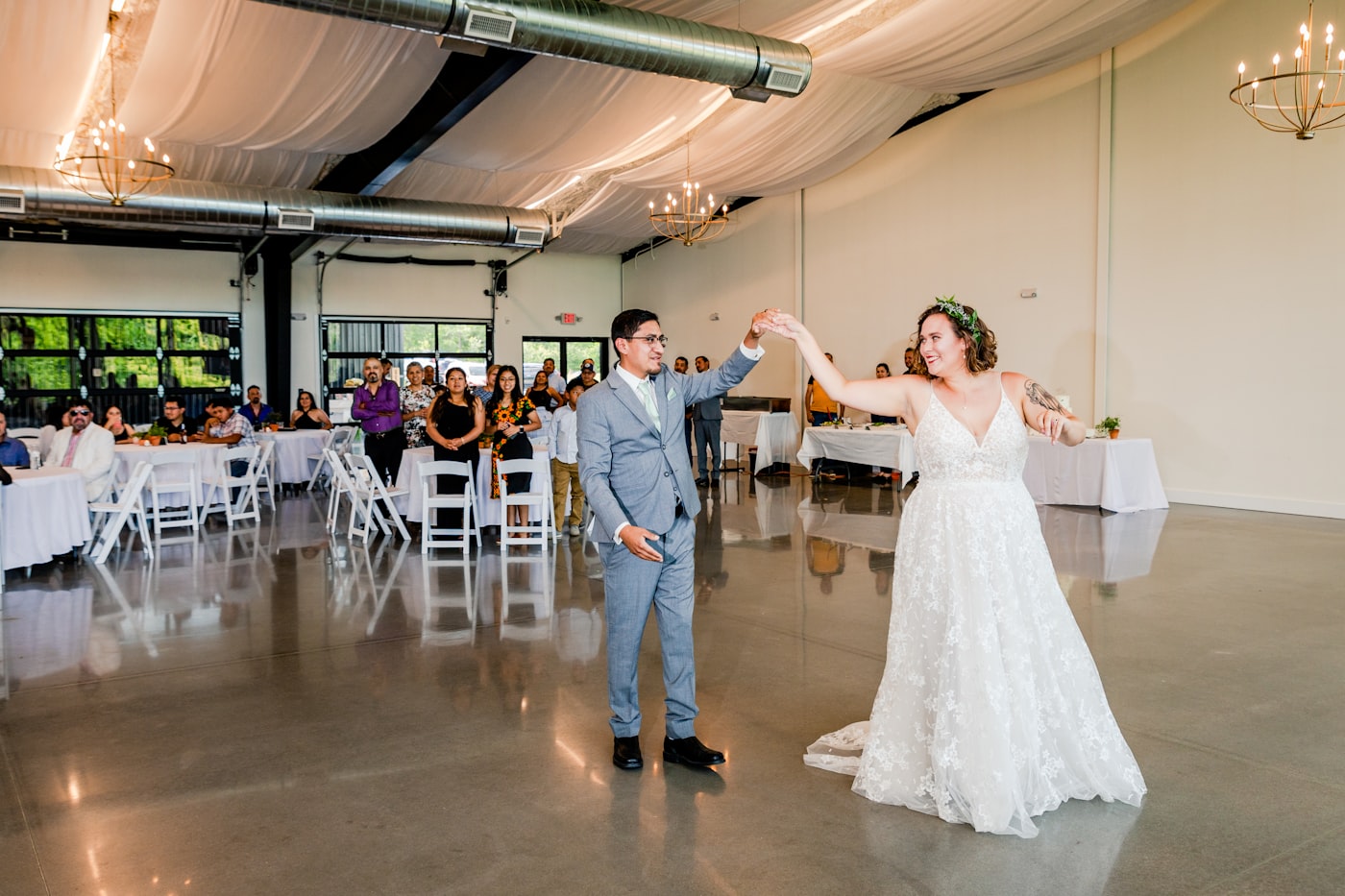
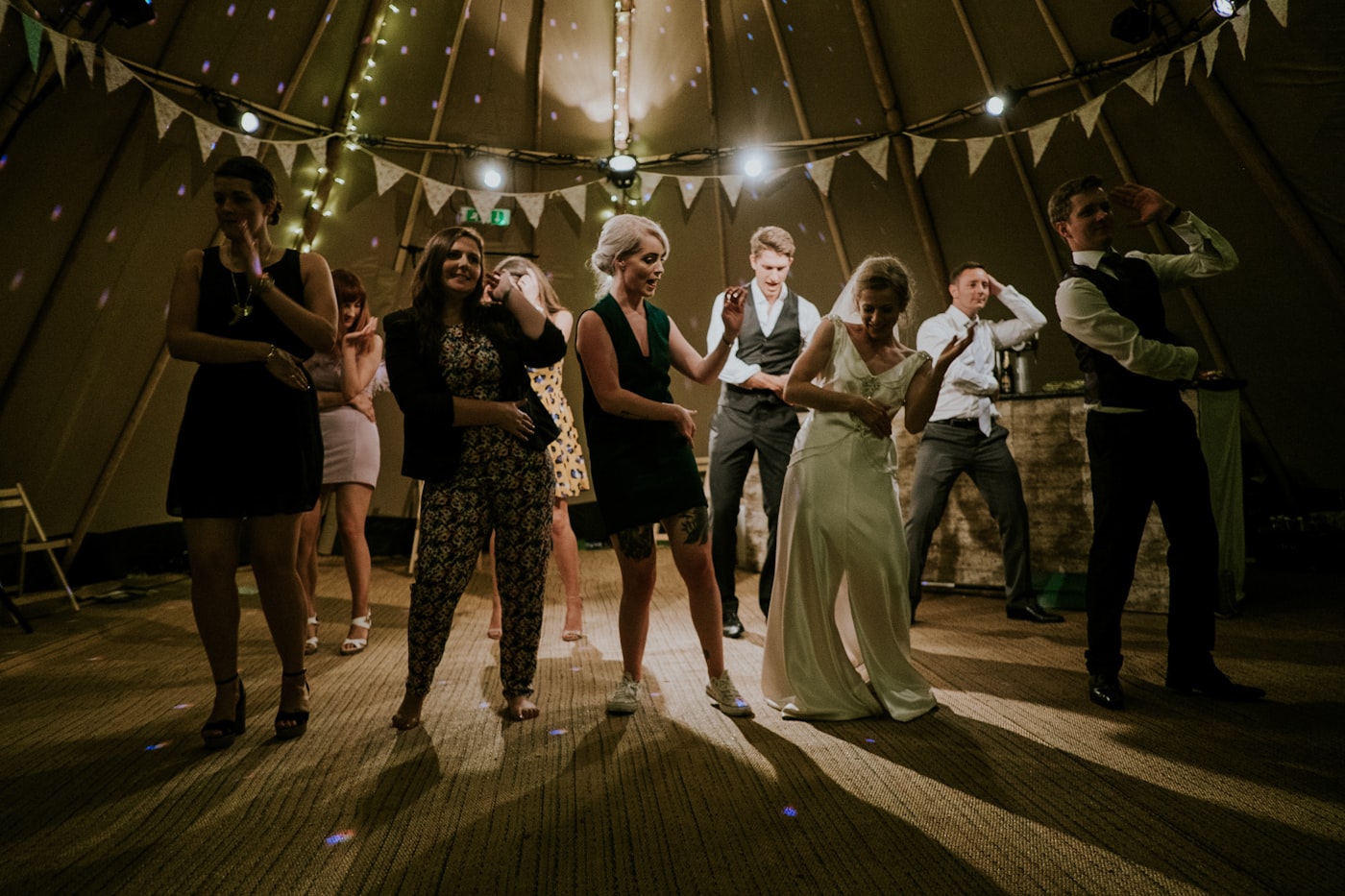
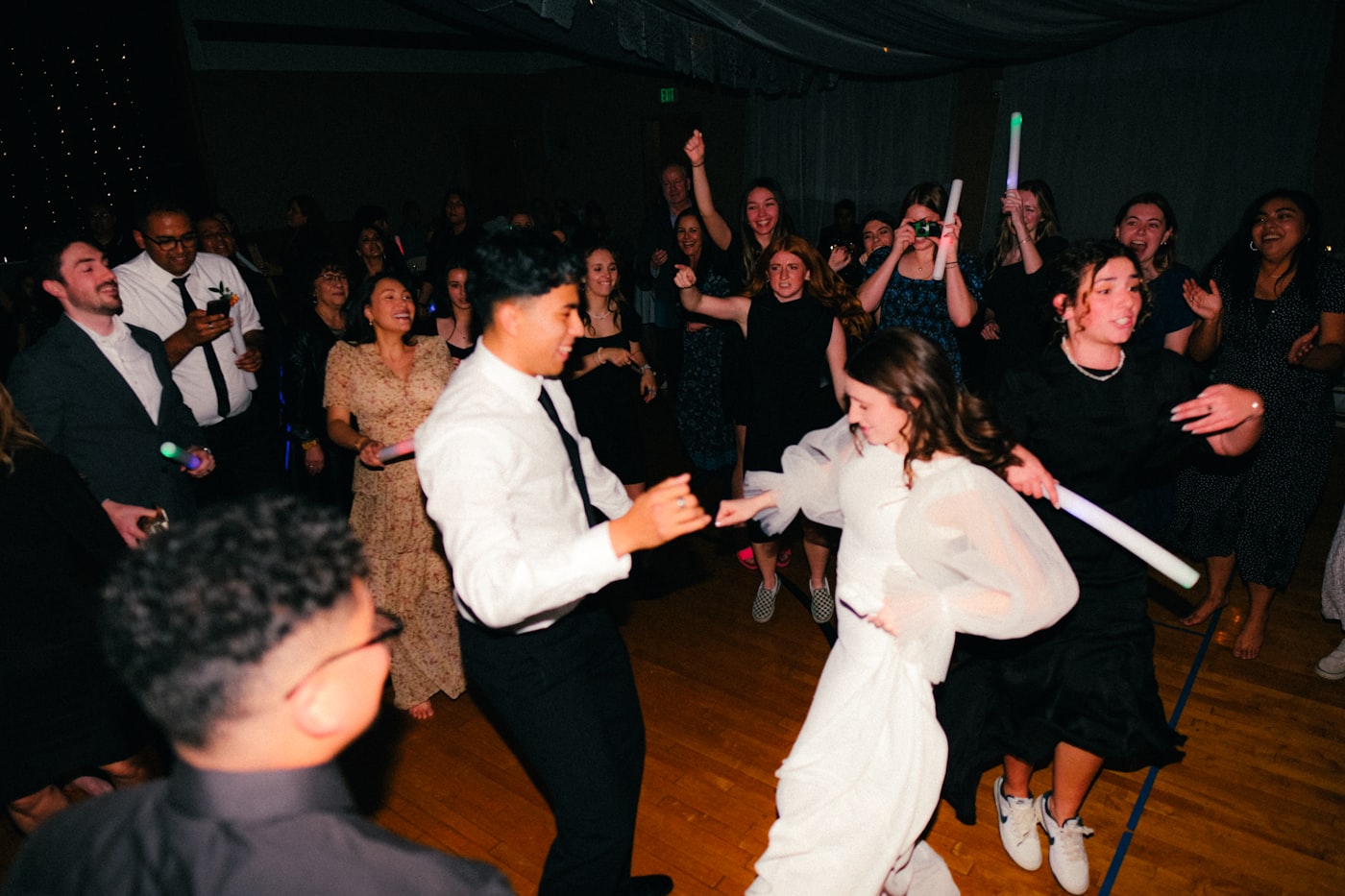

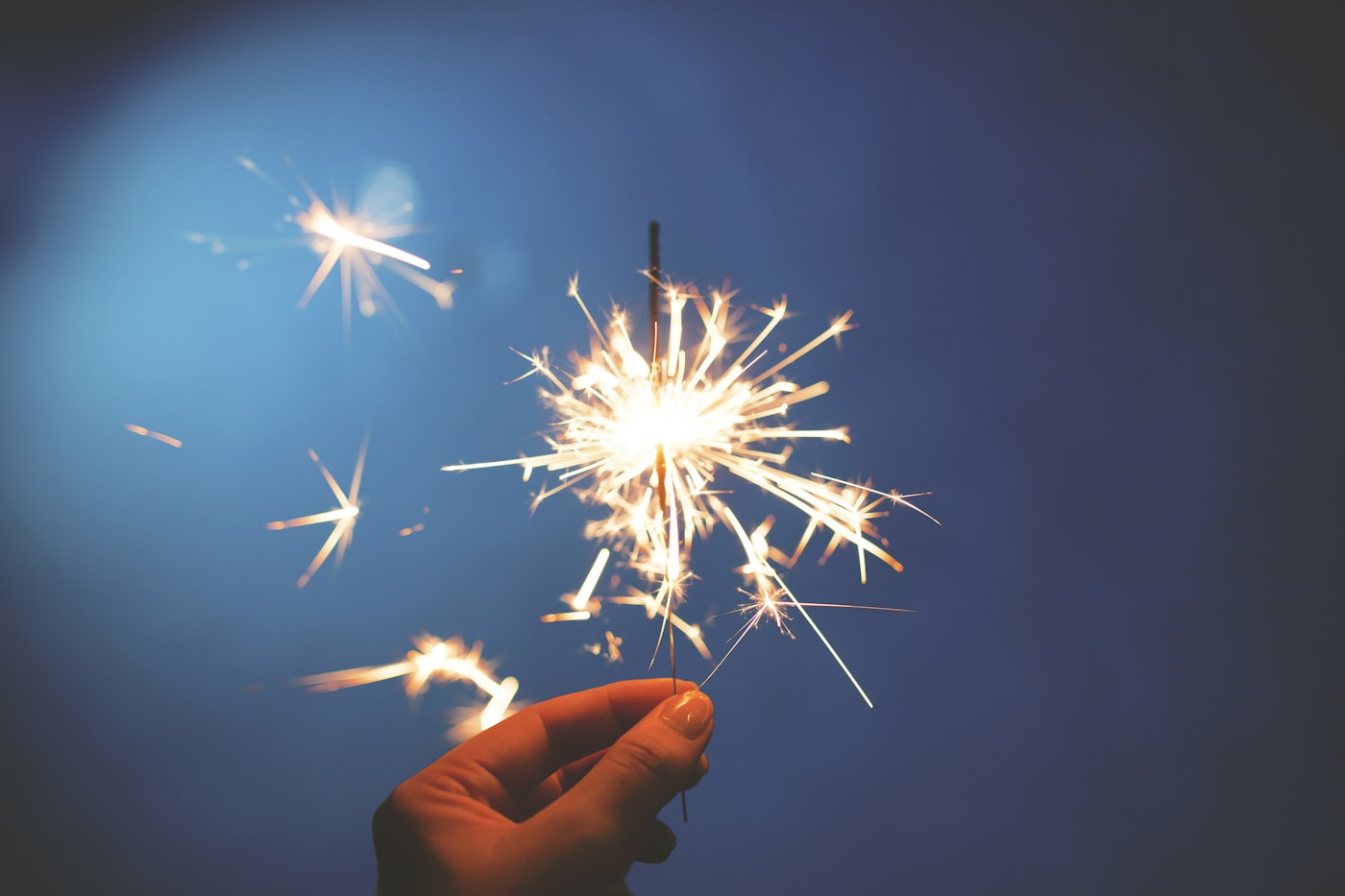
The anticipation is the point.
A real roll, on every phone
A few shots each
Like a real disposable. Set the exposure count and let scarcity do the work.
Live or sealed: your call
Show photos as they land, or hide them until a develop time you pick.
The Darkroom is yours alone
Your Darkroom is where you configure the roll, share the link or QR code, and moderate every shot before it's seen.
One shared roll
Every guest's angle, gathered into a single timeline.
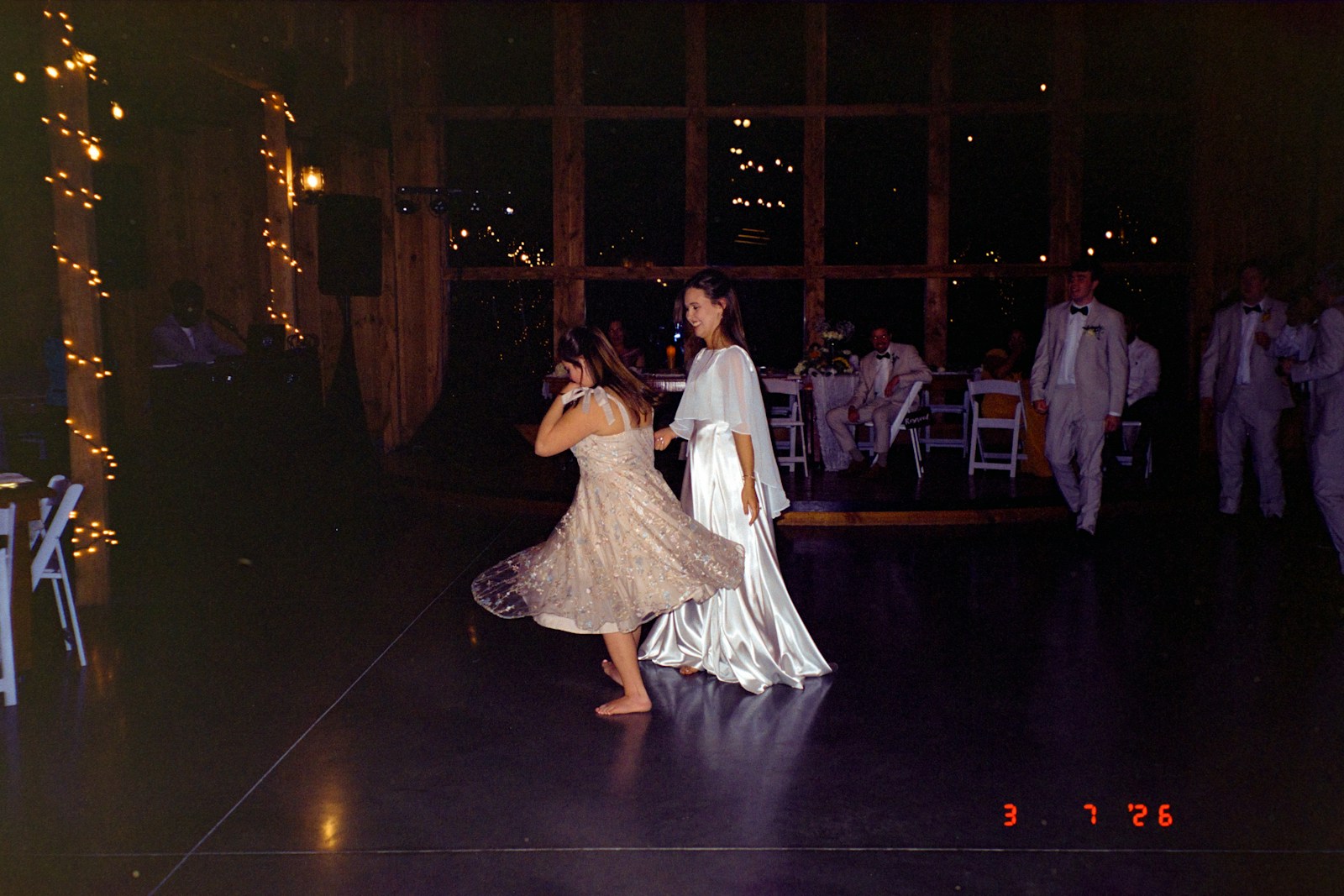
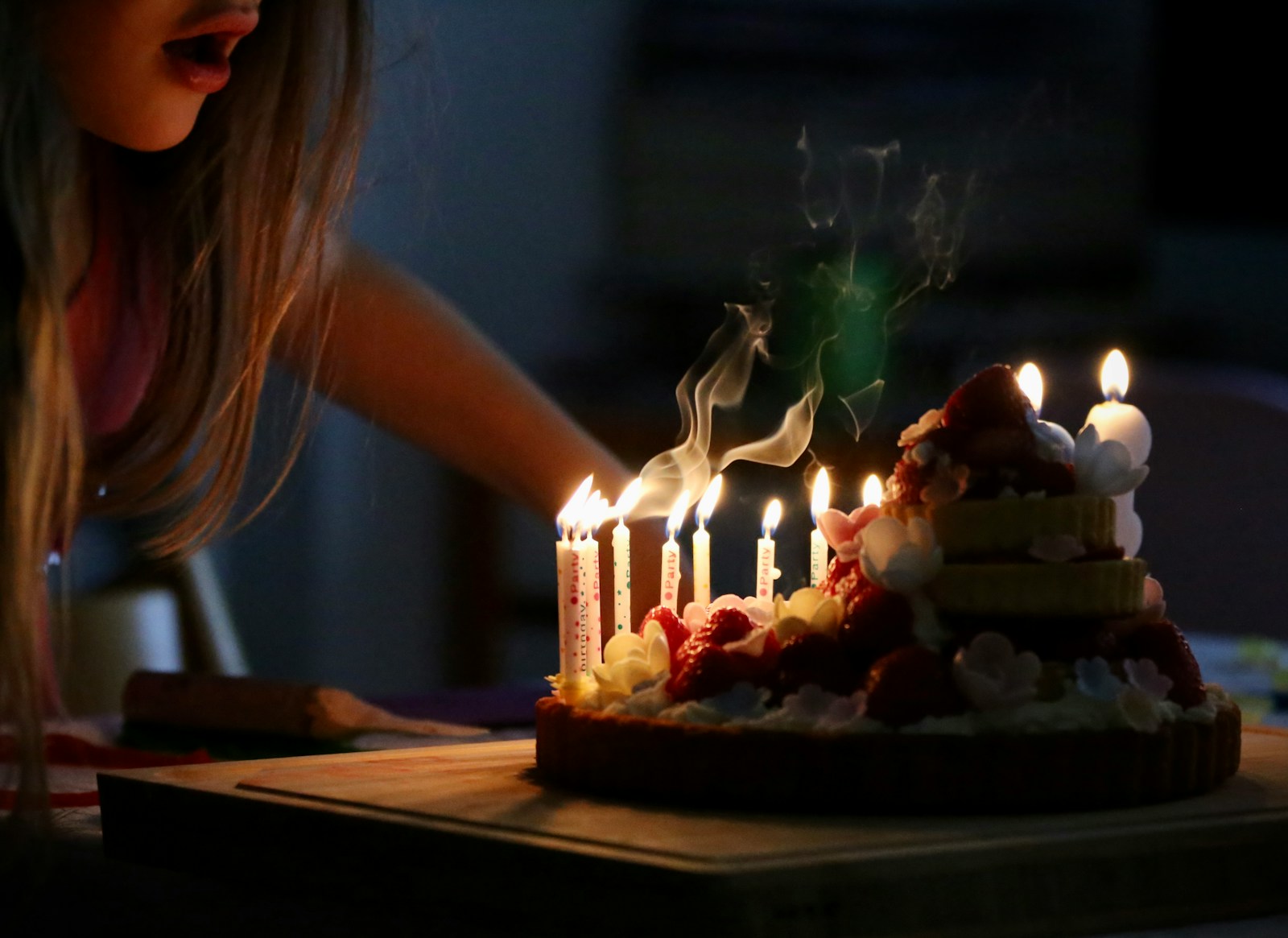
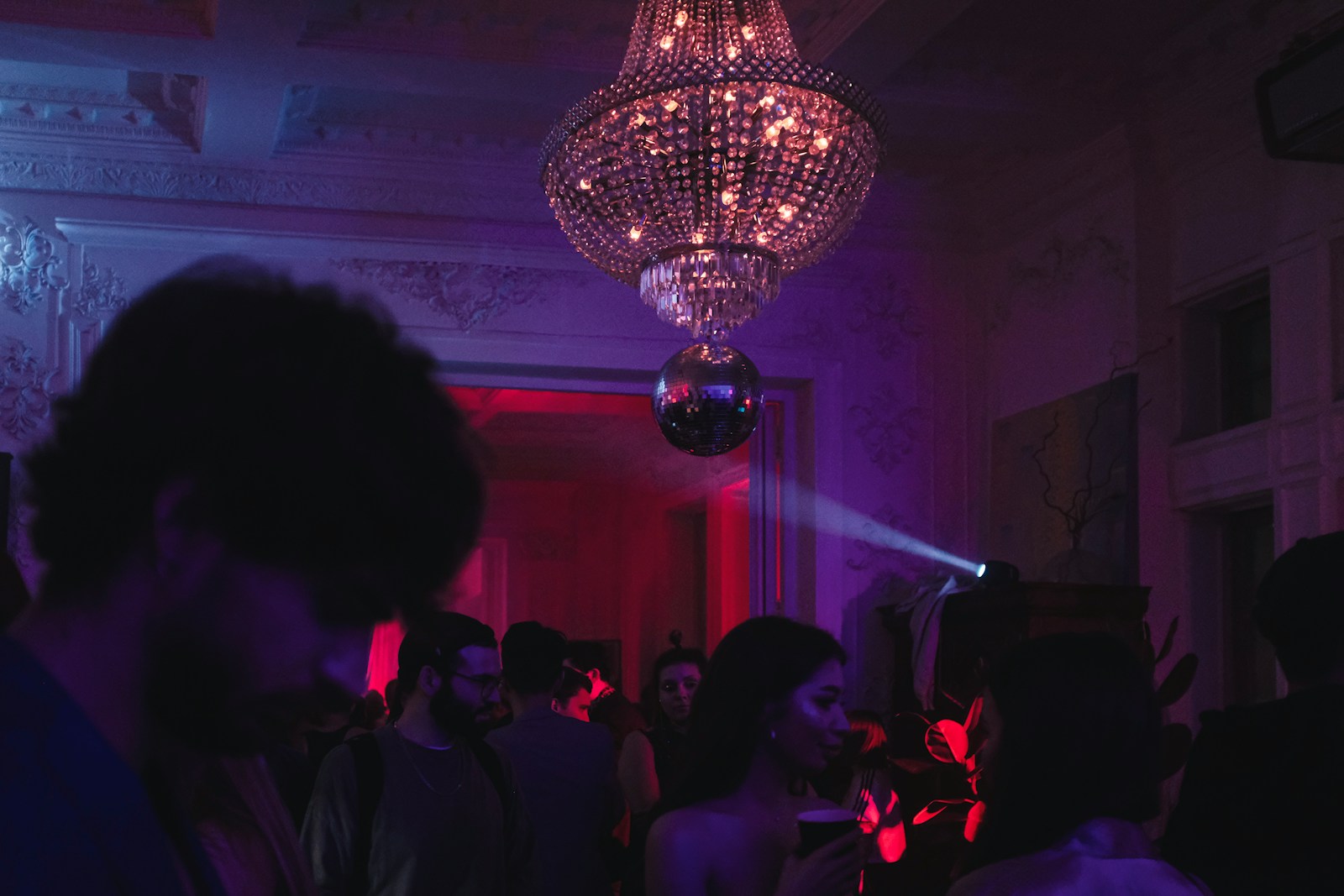
Made for weddings, birthdays, reunions - every night worth keeping

Why limited shots?
Unlimited photos make a graveyard nobody scrolls. A handful each makes every shot count. Guests slow down, frame it, and shoot the thing that matters. That's the disposable-camera magic.
Limited shots keep it intentional. And if you want the surprise, seal the roll for one big reveal. Scarcity is the magic. The reveal is yours to choose.
- 0apps to install
- 0accounts to make
- 1roll, everyone's angles
Put it on the big screen.
The Wall turns any projector or TV into a slow, cinematic slideshow of shots as they land. Ambient magic for the dance floor, no laptop babysitting required.
Your photos are yours.
The privacy work is in the engineering, not the fine print. Here is what already happens on every roll.
- Location data never leaves the phone Every photo is stripped of hidden location data before it ever leaves your guest's phone.
- Private by default Rolls are unlisted and reachable only by their link. No public directory, no search.
- Deleted on schedule The roll, its photos, and any archive download are deleted at the end of the retention period.
- No ads, no trackers No accounts to make, no analytics trackers, and nothing sold to anyone.
One payment. One roll.
No subscription, no accounts, no surprises. Pick the roll your night needs.
The Snapshot
Everything one night needs
$25
- Up to 120 guests
- QR capture & the Wall projector slideshow
- Hidden until your develop time
- Host Darkroom & shared Timeline
The Panorama
For weddings & big nights
$59
- Up to 300 guests
- QR capture & the Wall projector slideshow
- Hidden until your develop time
- Host Darkroom & shared Timeline
One payment per roll: always one-time, never a subscription.
Frequently asked questions
Do guests need an app or account?
No. They scan a QR code and shoot from the browser. No download, no sign-up, no login — ever.
When can people see the photos?
Up to you. Show the roll live as shots land, or hide everything until your develop time and reveal the full Timeline at once. At develop time the roll opens for everyone — the Timeline on their phones, the Wall on the big screen. Either way, only the host sees the Darkroom while curating.
Do I get to approve photos before guests see them?
Yes. Turn on approval and every shot waits in the Darkroom until you clear it. You can also delete any photo — pending or already live — and deputize a moderator to approve and delete alongside you. A moderator cannot change settings, develop the roll, or export it.
How do I download the photos?
From your Darkroom, prepare a download and the roll is packaged into a zip. A large roll splits into several zip files. Downloads are for the host: guests view and save shots from the Timeline, but only you can export the whole roll.
What happens to the photos afterward?
Every roll is deleted at the end of its retention period — 30 days after the event by default. Deletion covers the roll, its photos, and any prepared download, so grab your zip before then.
How much does it cost?
One payment per roll — no subscription. The Snapshot is $25 for up to 120 guests; The Panorama is $59 for up to 300 guests.
Your next night deserves its own roll.
Start a RollSet it up in under a minute. No app. No accounts.